How to Photograph a Wine Label: Scans and Records
Madeleine Cruickshank
September 22, 2025 · 5 min read
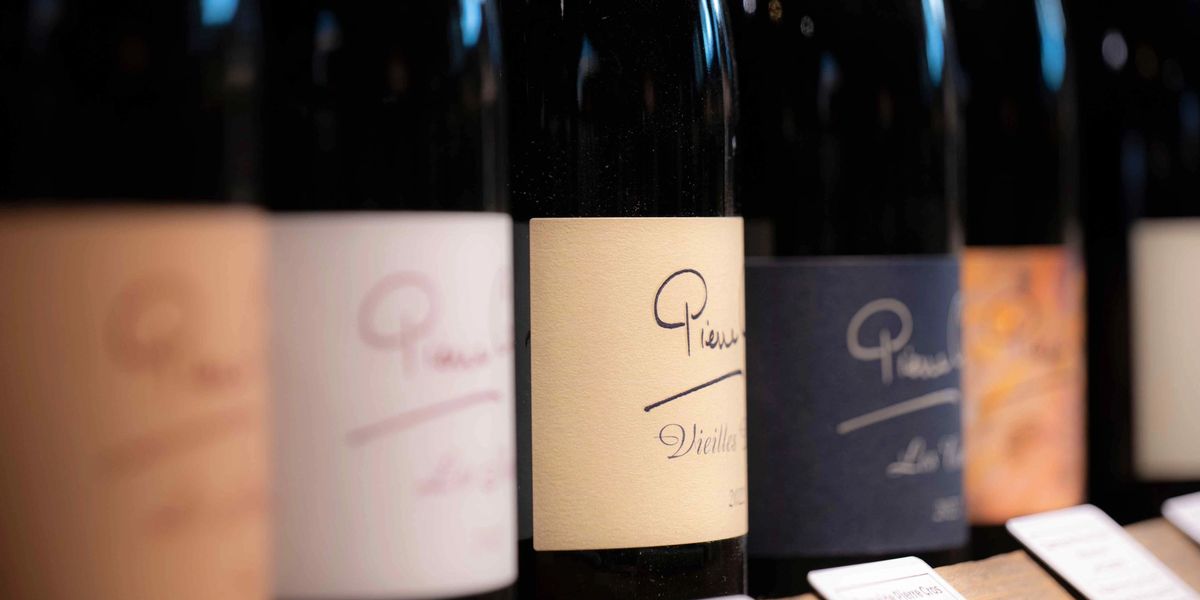
To photograph a wine label for a clean scan, use soft even light, hold the phone parallel to the label, fill the frame with the label and skip the flash. For insurance, resale or provenance records, add the back label, the capsule and any damage, and keep every photo with its bottle record.
This guide covers both jobs. If a scan has already failed, start with why won't my wine label scan: 12 fixes.
How do you photograph a wine label for an app scan?
Light the label evenly, keep the phone square to it and fill the frame. Those three habits fix most unreadable scans.
Use soft, even light: Daylight near a window or soft room light works best. Avoid direct sun and bare bulbs, which cause glare.
Hold the phone parallel to the label: Keep the camera straight on, so the text does not skew.
Fill the frame: Let the label take up most of the picture without cutting off the edges. Move the phone closer instead of using digital zoom.
Tap to focus: Tap the label on screen so the text is sharp, and hold steady for a moment.
Skip the flash: Flash bounces off glossy paper and foil.
Clean up first: Wipe dust or fingerprints off the bottle and the lens, and fold back any wrapper that covers the label.
How do lighting and label type change the shot?
Shiny and raised labels need more care than plain paper ones, because they catch glare and cast shadows.
Foil and metallic labels: Shift your angle or move the light until the bright spot leaves the text.
Embossed labels: Light from the side can leave shadows across the text, so use light from the front and slightly above.
Plain paper labels: Usually the easiest, but still avoid glare and shadow.
How do you photograph a label for insurance, resale or provenance records?
Take a few extra photos per bottle and keep them with the bottle's record. The scan only needs the front label, but a record needs enough to show what the bottle is and what shape it is in.
Front label: The same sharp, glare free shot you would use for a scan.
Back label: It often carries the importer, bottler and volume details.
Capsule and cork area: Show the capsule or closure, and any damage to it.
Damage and wear: Close ups of torn, stained or faded labels, so condition is on file.
The case or box: If the bottle came in an original case, photograph it too.
Ask your insurer, appraiser or buyer which photos they want before you start, since requirements differ. For how photos fit into the wider record, see how to insure a wine collection, wine provenance and value verification and how to sell wine from your collection.
What if the label is damaged or hard to read?
Photograph it anyway, then add what the photo cannot show. Take front and back shots, note the producer, wine and vintage in the bottle's record, and use search by name if a scan does not match. To compare how apps handle hard labels, see wine label scanner apps compared.
Frequently asked questions
Should I use the flash when photographing a wine label?
No. Flash causes glare on glossy paper and foil. Use soft light instead.
Do I need daylight to photograph a label?
No, but soft, even light helps. Daylight near a window is easy, and soft room light also works.
How many photos should I take of each bottle?
One clear front label shot is enough for a scan. For insurance, resale or provenance records, add the back label, the capsule and any damage.
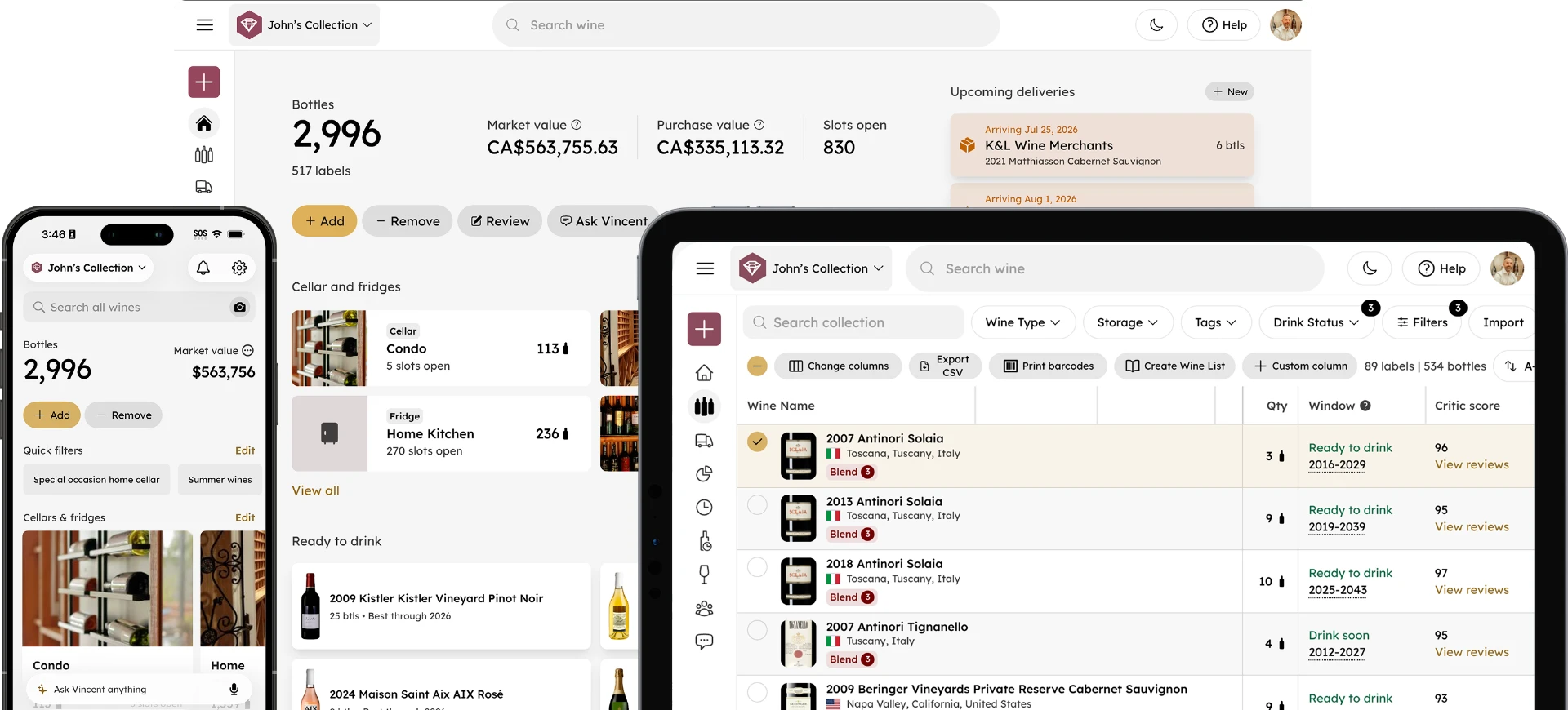
Ready to scan your first bottles? Get started with InVintory or see the help center.